Free. Open source. No subscription.
Finally — an AI browser
that runs on your keys.
Glasswing is a free browser with a real agent inside. Bring your own API keys — Anthropic, OpenAI, OpenRouter — or point it at local models. Nothing rides through a middleman, and nobody bills you for your own browsing.
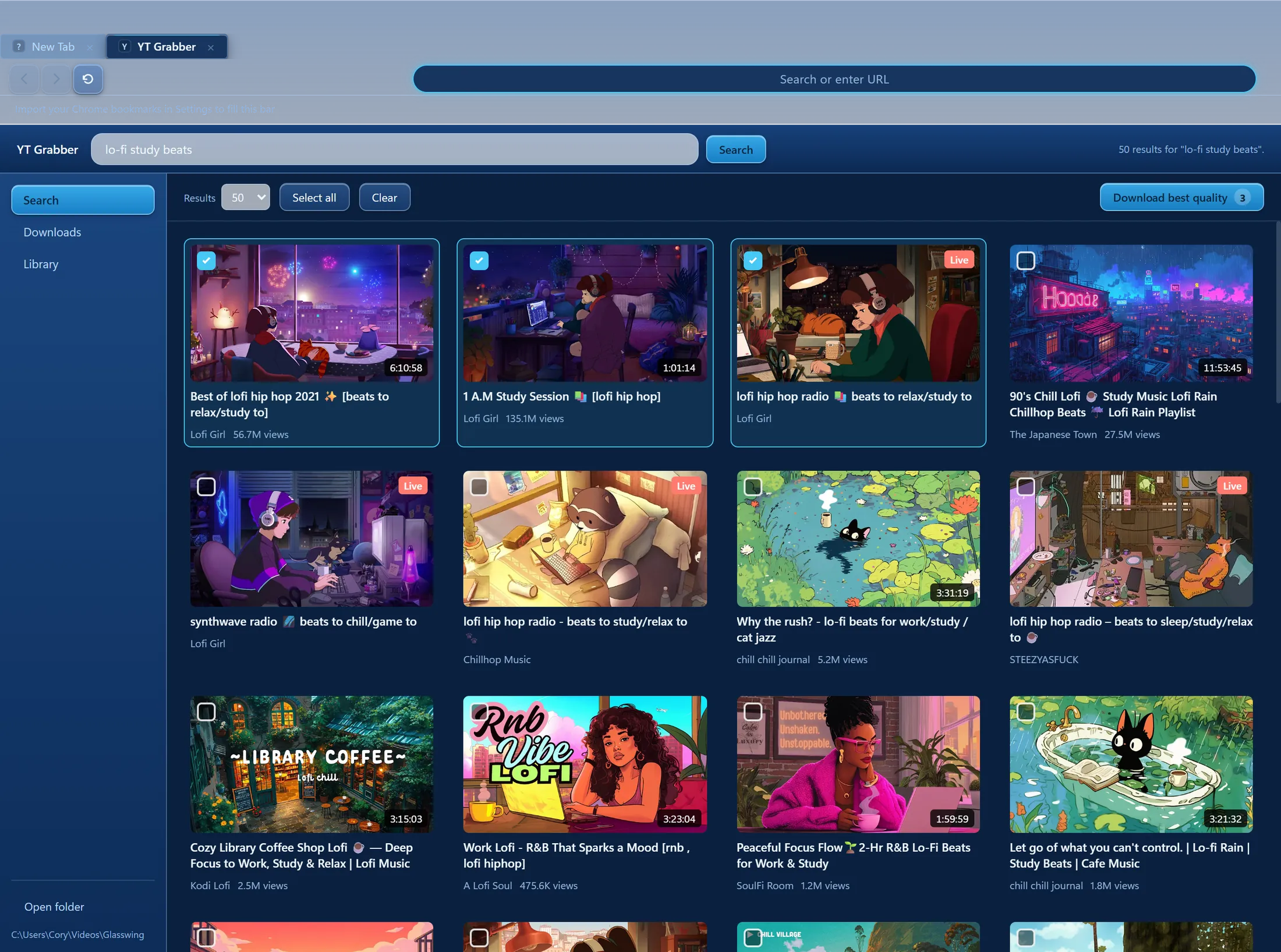
YT Grabber, built in — search, pick, download. No companion app, no Python.
Your keys, your bill
Paste a key from any provider you already pay, or run free on local models through Ollama or LM Studio. Glasswing charges nothing and phones nothing home.
An agent that proves it
Every run is a plan of verifiable steps, and the runtime checks each one against the live page — the model saying “done” never counts. You watch the ticks land.
Open source
Electron, SolidJS, and a test suite that gates every push. The repository goes public the day the beta does — audit the browser you type your keys into.
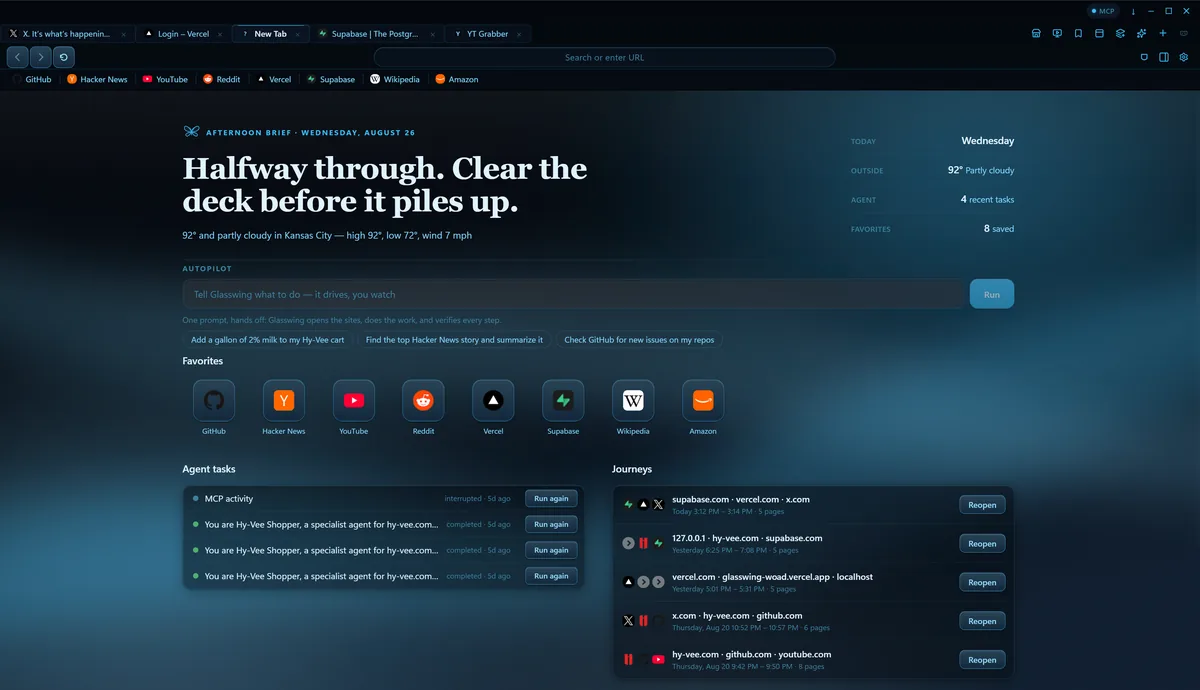
Every new tab
A brief, not a search box.
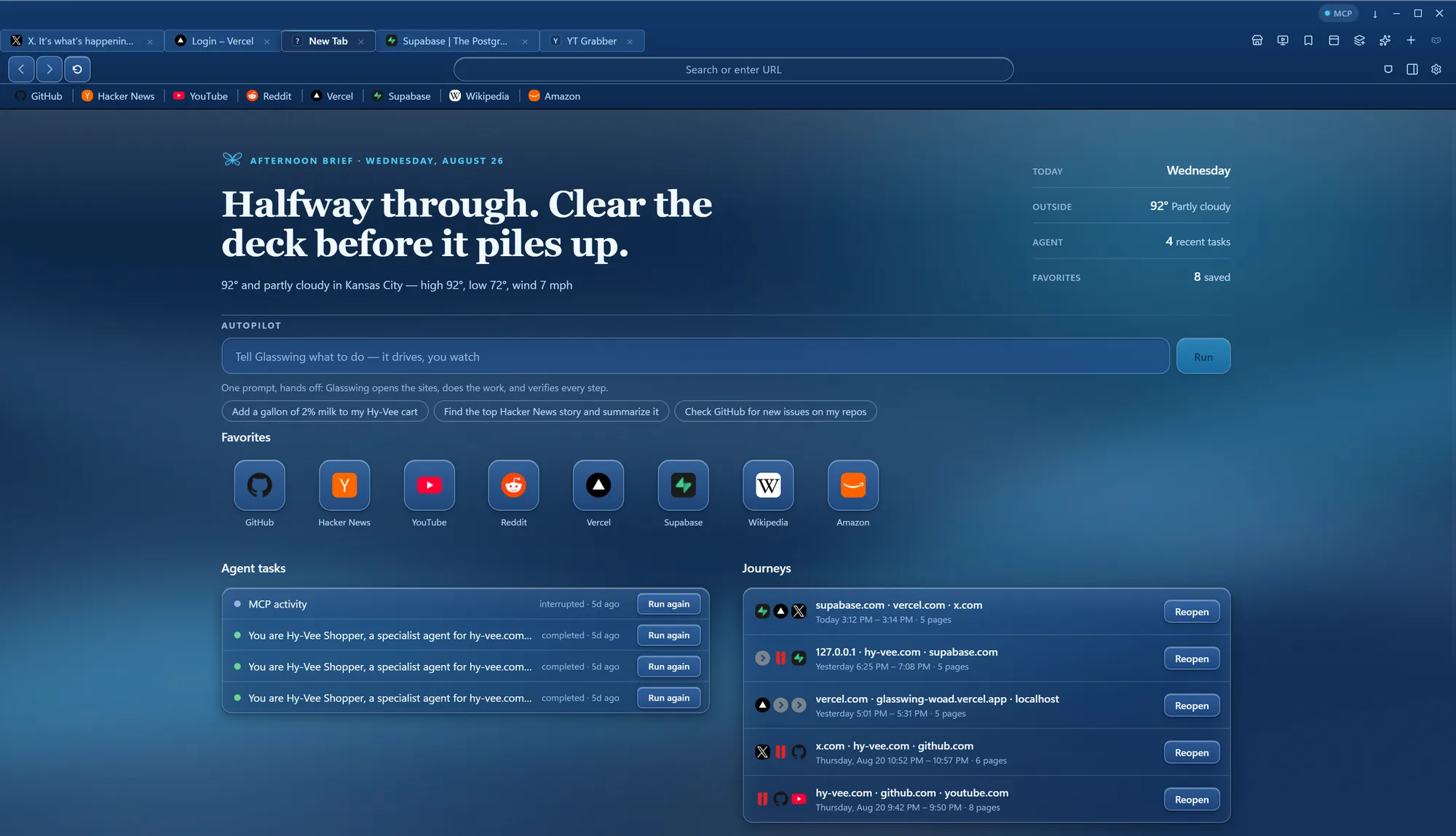
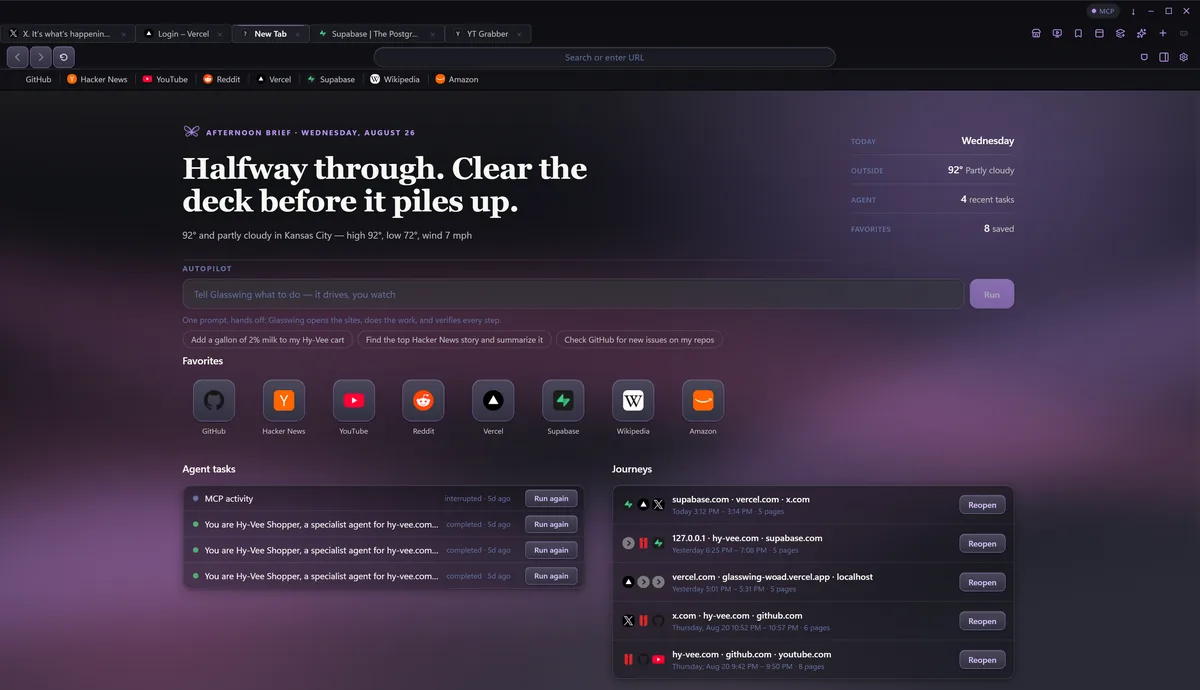
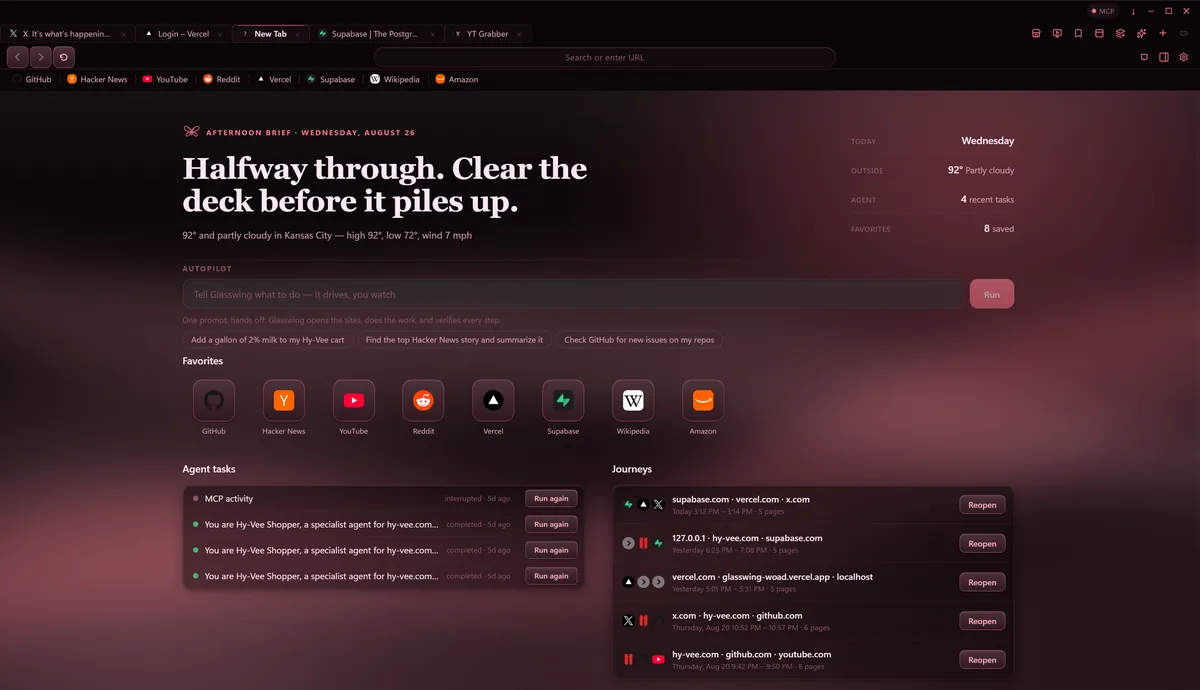
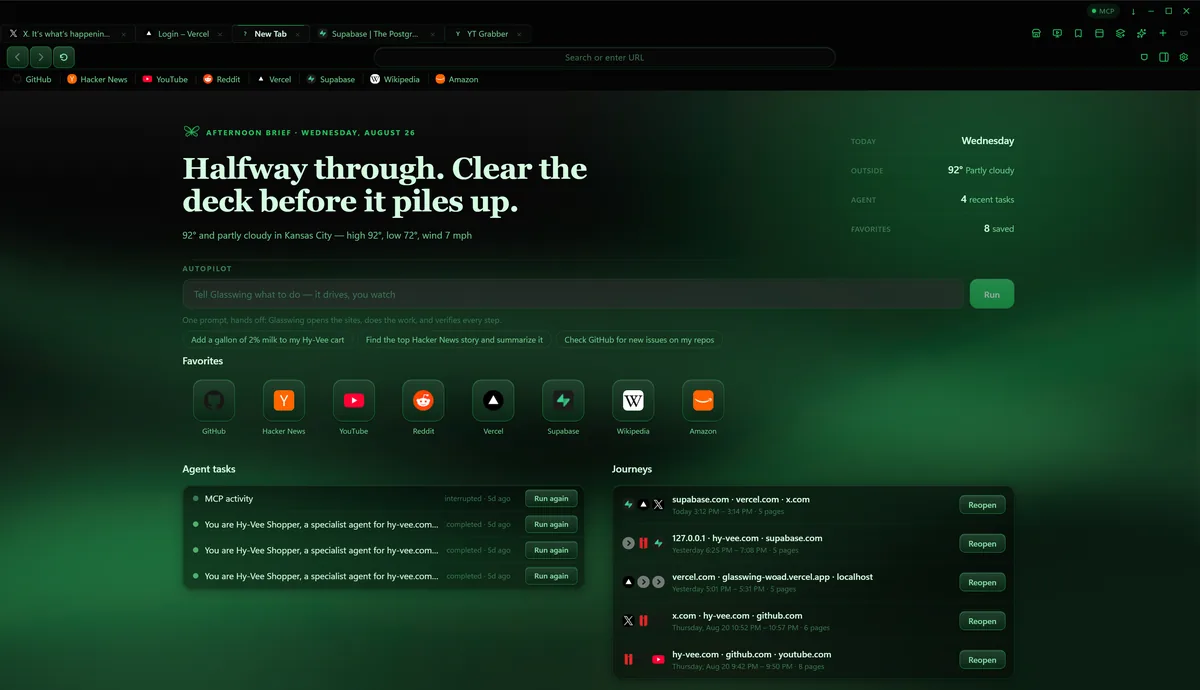
Open a tab and Glasswing already knows the day: an editorial one-liner that greets you by name — click it and change the name right there — the weather, your favorites, and the trails of browsing you left off. Anything you don't want on the page hides with one click.
- Autopilot box front and center — one prompt, hands off
- Journeys gather your browsing into threads you can reopen
- Guest windows: a fresh, separate browser that erases itself on close

Make it yours
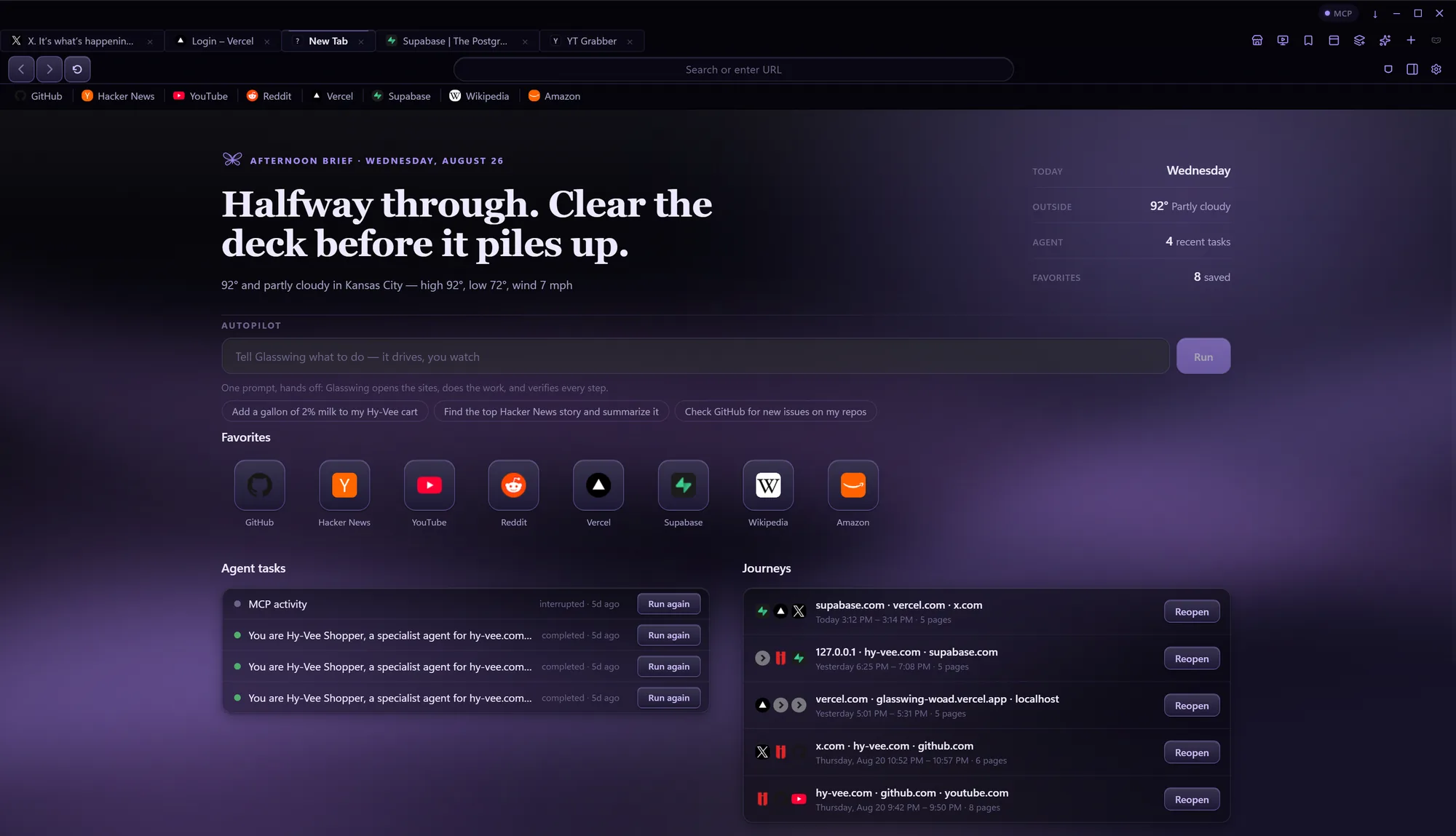
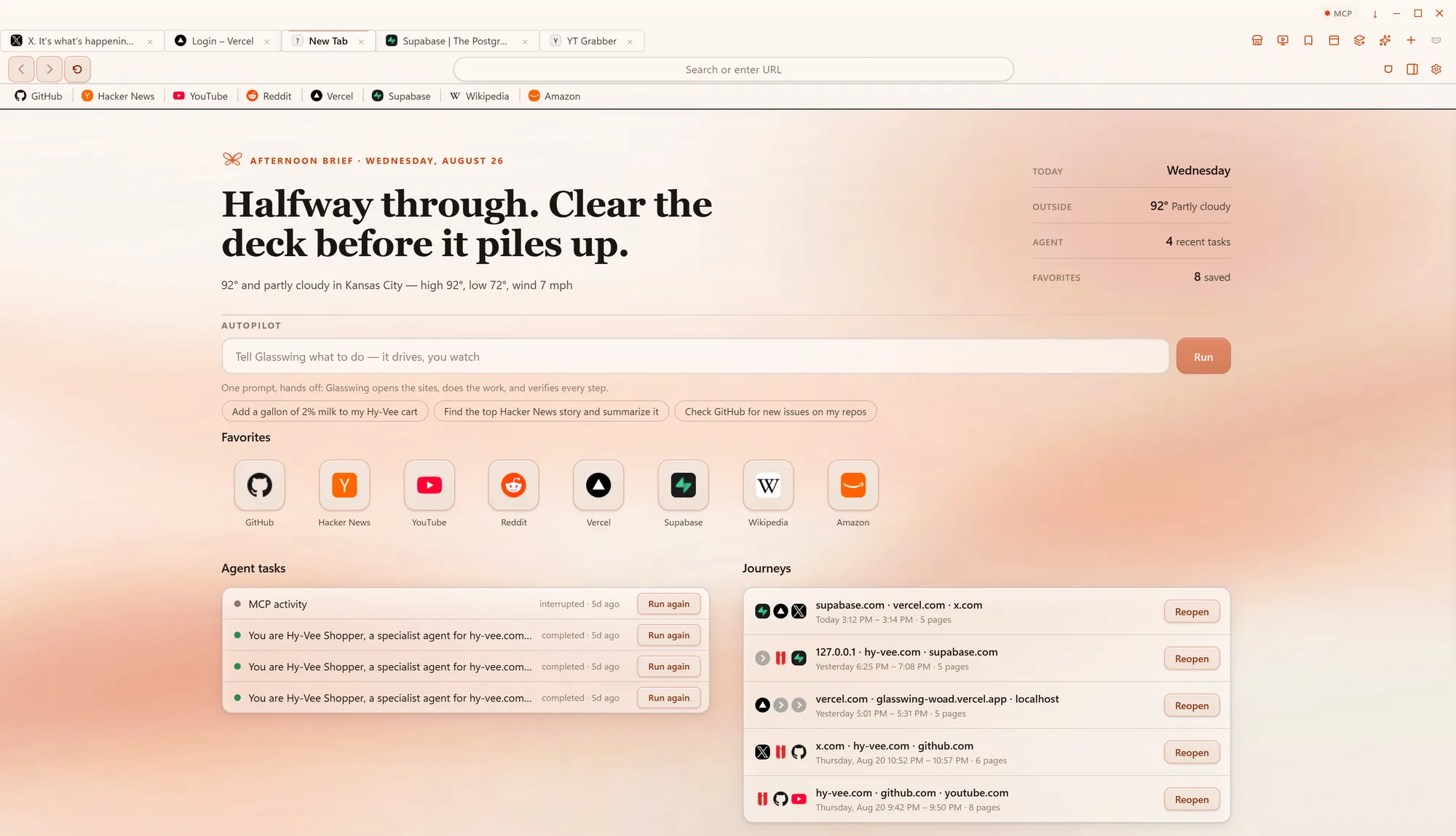
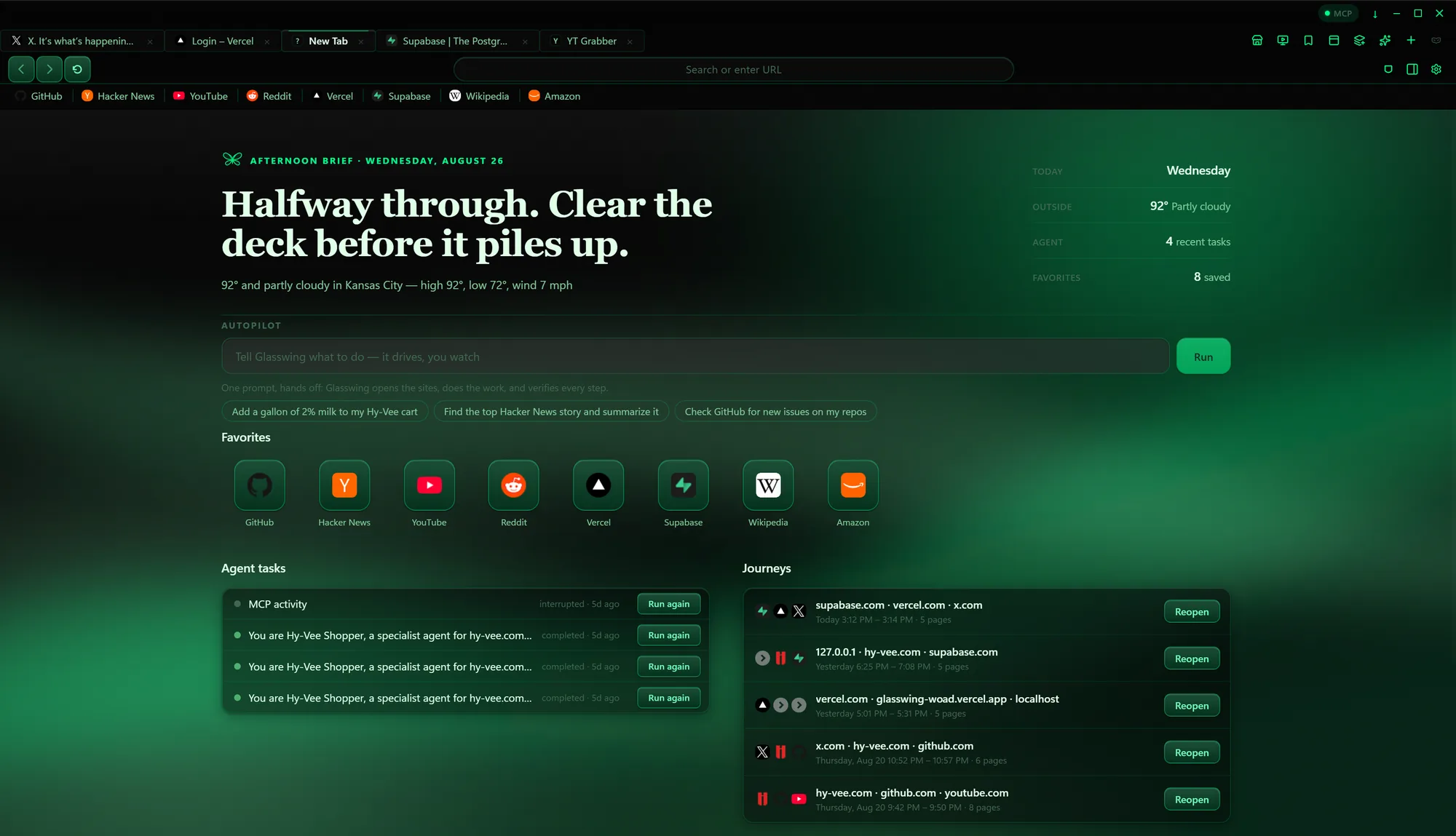
Twenty themes, one browser.
Four more, past the ones above. Phosphor green to rose — all token-driven, all switchable in Settings.
Built-in PDF editor
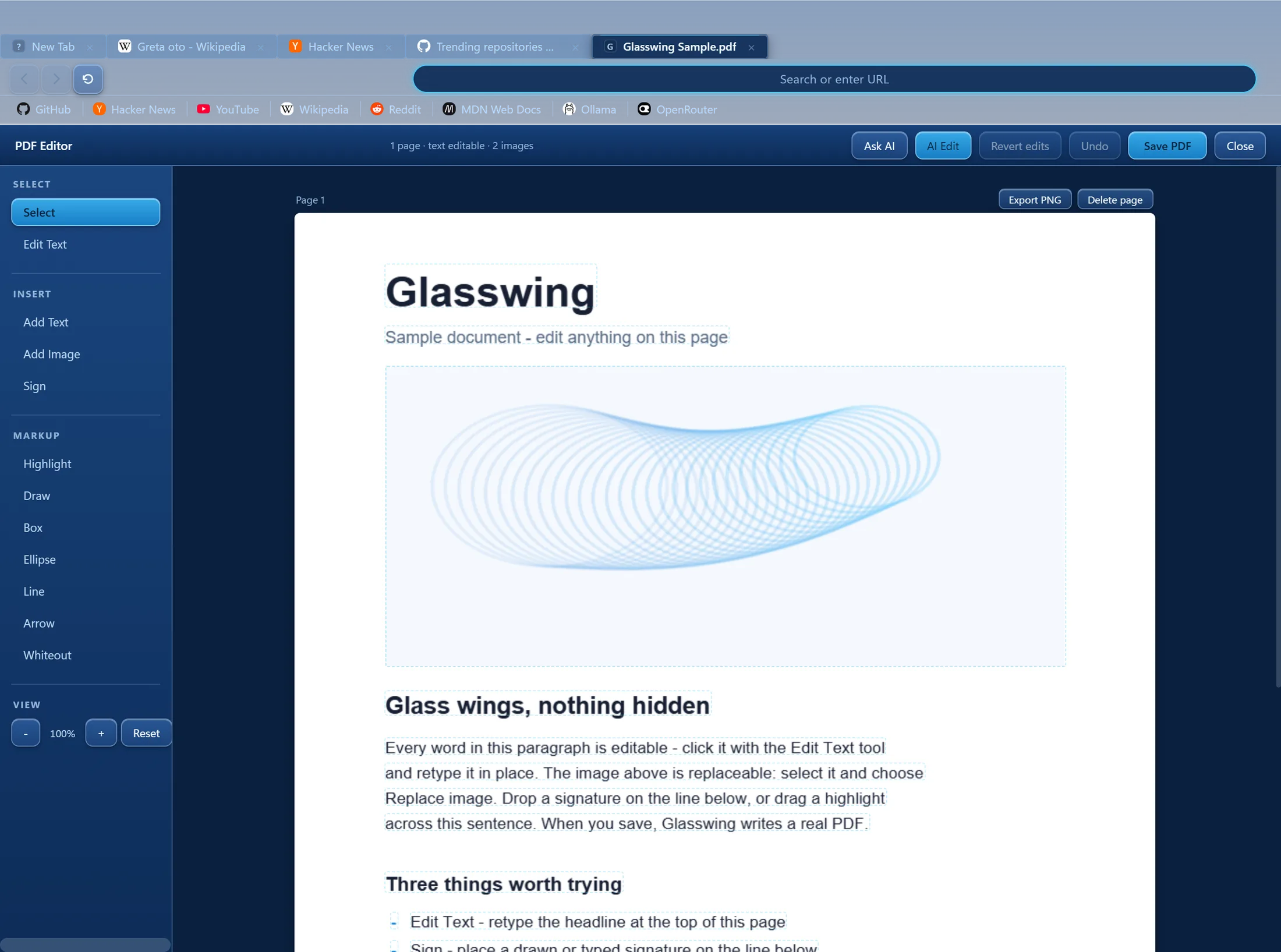
PDFs you can actually edit.
Click any text and retype it. Click any image and replace it. Fill real form fields, drop in a signature, recognize text on scans, find anything with Ctrl+F — then save a real PDF. Tools live in a proper left panel, the way a document editor should. No upload, no watermark, no “pro” tier.
- Edit text in place with your machine's own fonts
- Forms, signatures, whiteout, shapes, OCR
- It's your file — it never leaves your computer
Tools in the tab bar
Grab the video, not the ads.
One button in the tab bar opens YT Grabber, built into the browser: search YouTube, tick the ones you want out of fifty results, and pull them down in the best quality available — paste a channel URL to queue every upload. Your library, your disk, no upload step and no third party in the middle.
- Search, preview, and multi-select before anything downloads
- Paste a channel URL to queue every upload
- The download engine ships inside Glasswing — nothing else to install
Settings
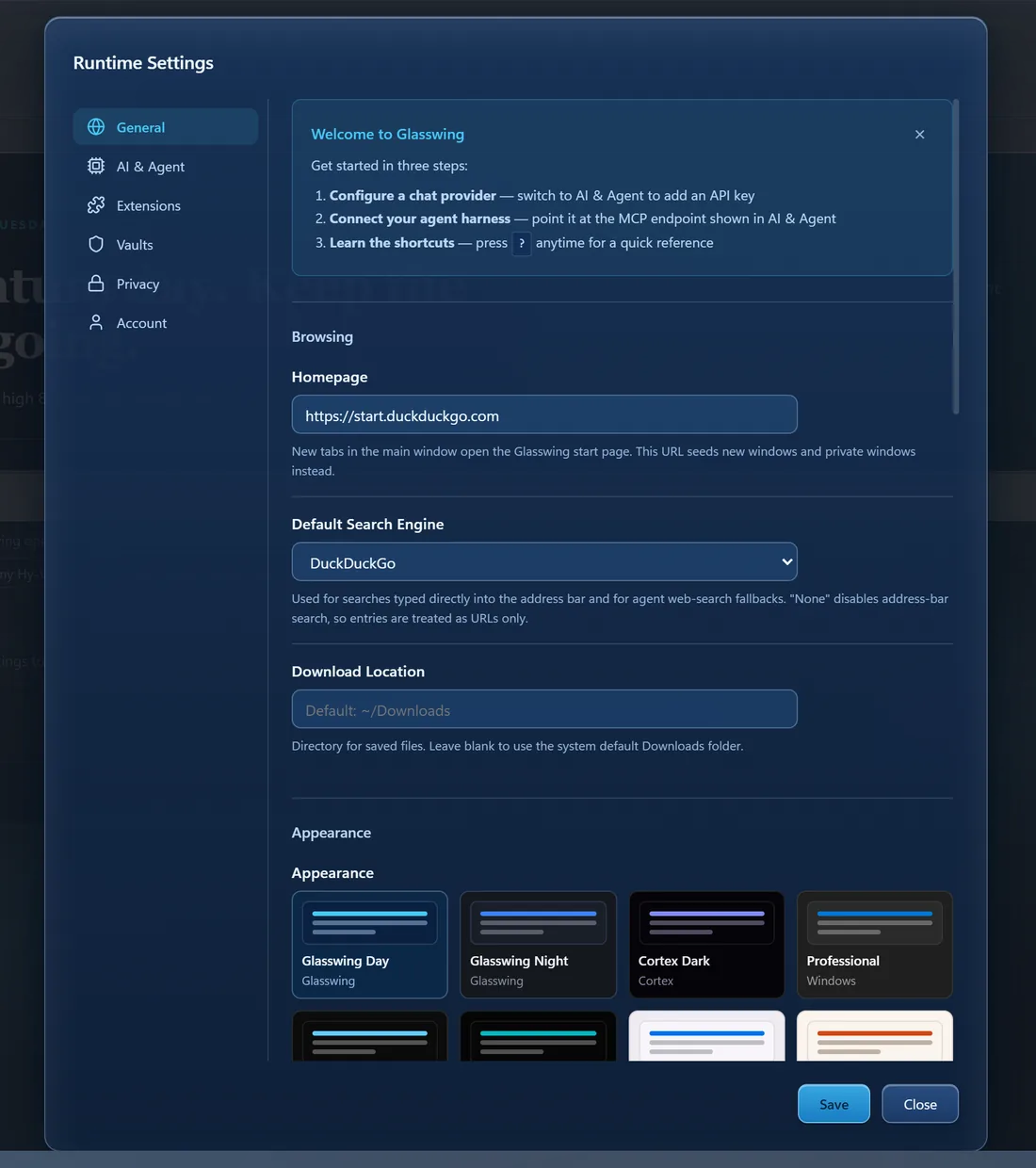
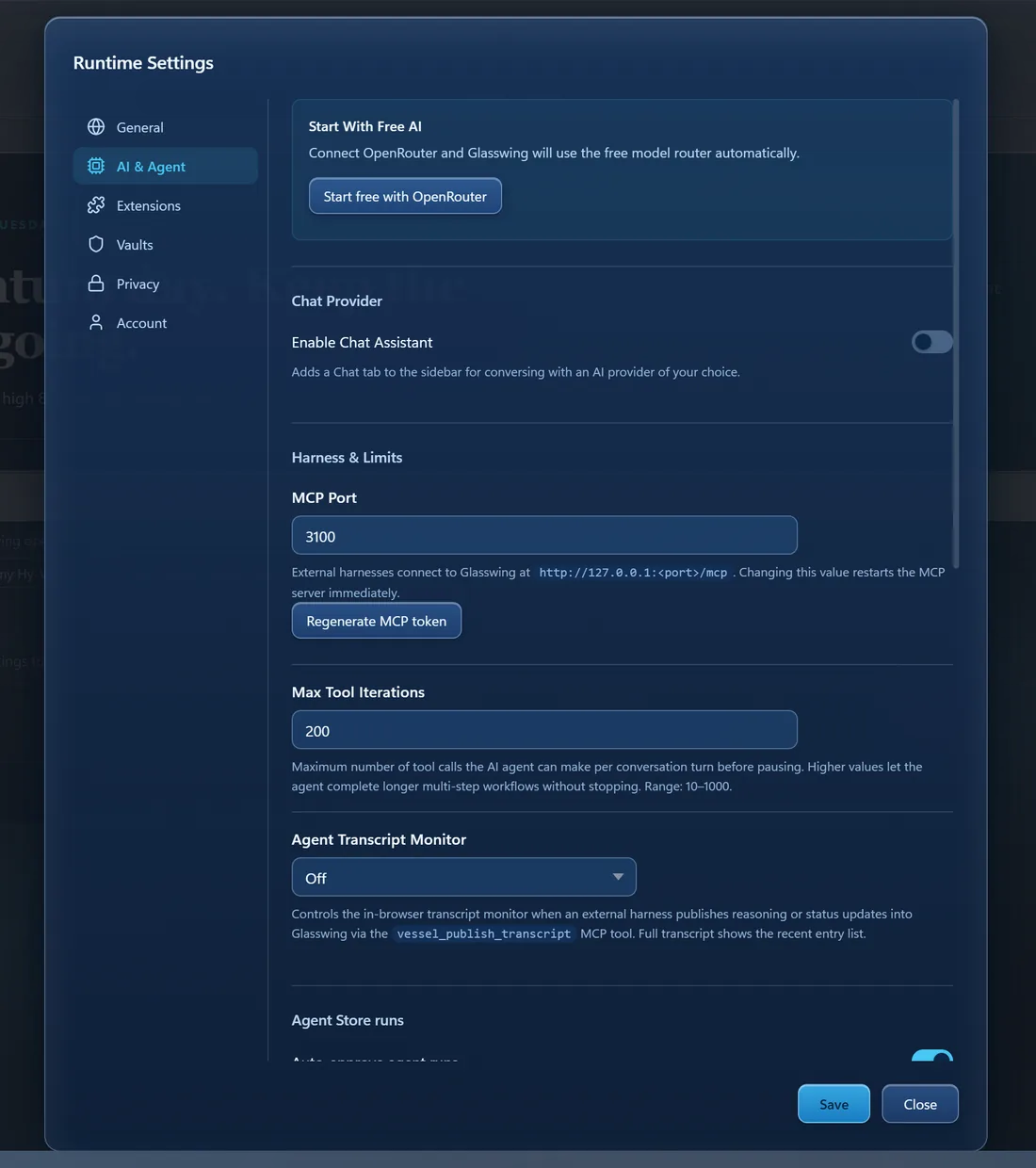
Every switch, explained.
No hidden config files and no dark patterns — each control says what it does in a sentence. Add your key, pick a theme, point an external harness at the built-in MCP server, and get on with it.
Where the beta honestly stands
Work in progress, and it says so.
Working today
- Tabs, groups, split view, reader, ad-block, private and guest windows
- Autopilot with runtime-verified steps
- PDF editing: text, images, forms, signatures, OCR, find
- YT Grabber: search, multi-select, best-quality downloads
- BYO keys: Anthropic, OpenAI, OpenRouter, local models
- 500-test suite green on every push
Still rough
- Windows first — macOS and Linux builds are untested
- Site specialists cover a handful of sites so far
- Settings has corners only a builder could love
- No installer yet — the beta will ship one
Coming soon.
Free forever, on your own keys. The glasswing butterfly has transparent wings — you can see exactly what it's doing. So can you here.